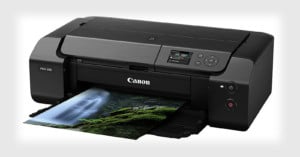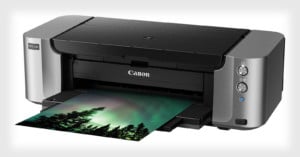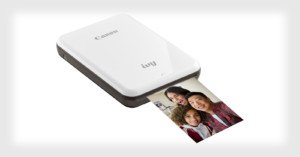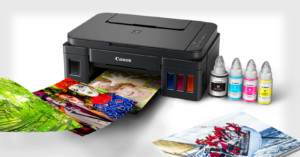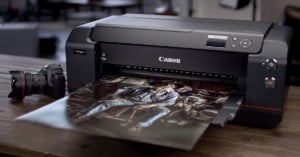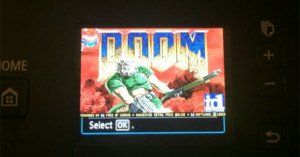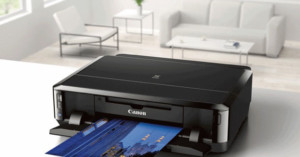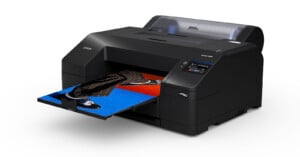
With the release of the Canon 6D, the company’s first Wi-Fi enabled DSLR, it was only a matter of time before the camera manufacturer began announcing products that took advantage of that wireless capability. Case in point: Canon has just announced a couple of new PIXMA printers that can communicate directly with your 6D, allowing those of you who ponied up the cash for the new full-frame shooter to print your photos over the air. Read more…
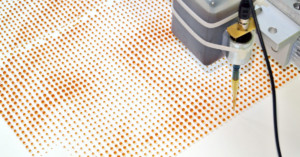
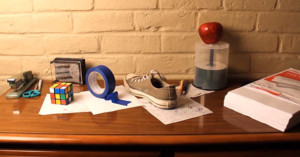
YouTube illusion and science channel Brusspup recently did an anamorphic illusion project in which he photographed a few random objects resting on a piece of paper (e.g. a Rubik’s cube, a roll of tape, and a shoe), skewed them, printed them out as high-resolution prints, and then photographed them at an angle to make the prints look just like the original objects. Read more…
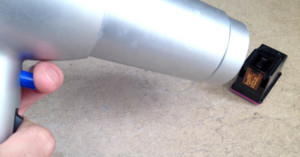
Here’s a clever trick for if you ever need to print out a photo but find your inkjet cartridges low (or dried out): bust out your hair dryer. Paul Boutin of The New York Times writes,
If your printer’s ink cartridge runs dry near the end of an important print job, remove the cartridge and run a hair dryer on it for two to three minutes. Then place the cartridge back into the printer and try again while it is still warm.
“The heat from the hair dryer heats the thick ink, and helps it to flow through the tiny nozzles in the cartridge,” says Alex Cox, a software engineer in Seattle. “When the cartridge is almost dead, those nozzles are often nearly clogged with dried ink, so helping the ink to flow will let more ink out of the nozzles.” The hair dryer trick can squeeze a few more pages out of a cartridge after the printer declares it is empty.
In the market for a new photo printer and not sure what to buy? Here’s a tip: shelling out a little more dough on the printer itself could potentially lead to massive savings over time.
The reason is ink, sometimes called “black gold” (or… “colored gold”?). The general rule of thumb in the printer industry is: the cheaper the printer, the more expensive it is to keep it filled with ink. Read more…
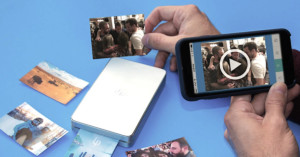
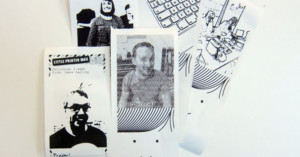
BERG Cloud got the tech world talking earlier this year when it announced the Little Printer, a tiny little ink-less, cloud-connected printer that prints your social media feeds onto strips of thermal printer. While the device is designed to print out tiny, text-based newspapers with updates from services such as Twitter and Facebook, they company is also hacked together a simple photo printing feature that lets you send the printer any photo from your phone and have it quickly printed out in black-and-white. Read more…
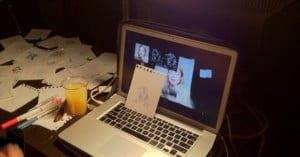
“Blind Self-Portrait” is a project by artists Kyle McDonald and Matt Mets that’s based around a machine that can help you turn photographs into sketches. The machine constantly track’s the subject’s face using a camera and translates the image into a line-drawing and x- and y-coordinates. The user then rests their hand on the machine’s “hand” and presses a pen into a piece of paper. The robot hand does the rest of the work, guiding the hand into drawing the photograph as the person sits back and watches the magic happen. Read more…
Artist-hackers Becky Stern and Limor Fried took an old Brother KH-930e knitting machine from the 1980s and turned it into a device that can “print” photos onto garments. Andrew Salomone showed off the machine at World Maker Faire New York 2011, along with a ski mask that has his face printed on it.
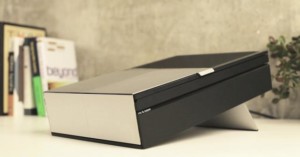
If Apple ever got into the photo printer business, this SWYP (“See What You Print”) printer might be similar to what they’d come up with. It’s a brilliant concept photo printer design by Artefact, the same design group that dreamed up the WVIL concept camera. Instead of having to send photos to the printer from a computer, users use a giant touchscreen interface that shows you exactly what’s going to pop out of the bottom. Come on SWYP, hurry up and exist!
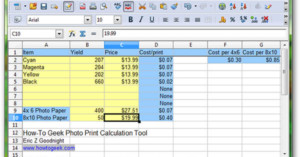
If you think making prints at home with your photo printer saves you money over having the prints made through a service, you might be wrong. How-To Geek has a neat tutorial and XLS spreadsheet you can use to calculate the cheapest method depending on your printer expenses. Simply download the file, fill out the boxes according to the instructions, and you’ll learn how much you’re actually paying per-print with your home printer.