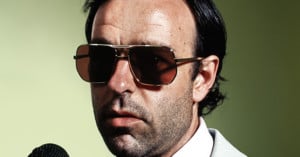
You know those sometimes stylish, sometimes dramatic, and often funny pictures of the celebrity hosts that come up every time Saturday Night Live takes or comes back from a commercial break? Well, ever since 1999, it’s photographer Mary Ellen Matthews who has been in charge of putting those together each week. And in this short video, Plum TV catches up with Matthews to ask her about her daily life at SNL. Read more…
Here’s a helpful tutorial by Tutvid that teaches how to give your photographs dramatic colors using only Adobe Camera Raw. If you’ve started shooting RAW but haven’t played around too much with ACR, this video is also a great primer for becoming familiar with the different panels and sliders.
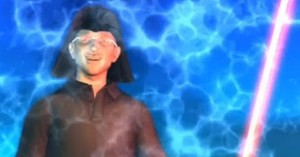
While this isn’t exactly photo-related, a good number of our readers own iPhones and might appreciate this cheeky Taiwanese news rendition of the iPhone 4 “antennagate” situation that has been dominating tech news this past week. The animation was made by Next Media Animation, a company dedicated to making “the most dramatic” animations about current events and news.
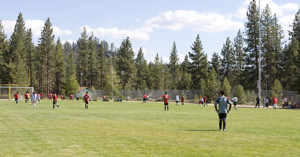
I was over at Lake Tahoe attending my brother’s soccer tournament this past weekend, and took this photograph from behind the opponent’s goal:
I corrected a few things in Adobe Camera RAW, and this is the resulting image (hover over it to compare):
The difference isn’t too big. I just corrected a few things, and addressed a tiny bit of clipping in certain areas.
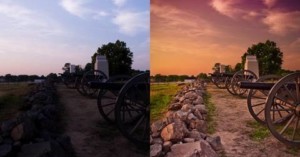
At this point, I wanted the sky to be a little darker and for the clouds to be more dramatic. This is where the luminance tab comes in. All you need to do to instantly make the sky more interesting is drop the slider for aquas and blues. In this case, I decided to drop them both to -50 (I like simple numbers):
Here is what this simple edit does to the final photograph (hover over it to compare):
Pretty neat, huh? Play around with the luminance slider, and you can do pretty interesting things with skies.