Posts Tagged ‘code’

Google Glass May Have Built-In “Wink to Shoot” Camera Functionality

Google Glass May Have Built In Wink to Shoot Camera Functionality glasswink

One of the big gripes people have with the idea of taking pictures with Google Glass camera glasses is that the device requires you to say “ok, glass, take a picture” in order to snap a shot. While this is great for situations when you need hands-free photography and don’t mind saying a voice command, it would be highly inconvenient in situations in which you would rather not (or can’t) talk.

It looks like Google has been one step ahead of us the whole time: it appears that the company has built “wink to snap” functionality into Google Glass’ camera.
Read more…

Secretbook App Lets You Share Secret Messages Through Facebook Photos

Secretbook App Lets You Share Secret Messages Through Facebook Photos steganograph

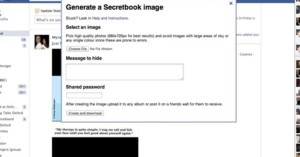
Steganography is the art of passing secret messages in a way that most observers wouldn’t detect even though the message is in plain view. Unlike cryptography, which attempts to transmit messages as nonsense, steganography uses security through obscurity, relying on the fact that most people aren’t looking for secret messages in ordinary things. Passing notes in invisible ink would be one example.

Owen-Campbell Moore, a computer science researcher over at Oxford University, has been developing a method for passing secret messages through Facebook photo sharing.
Read more…

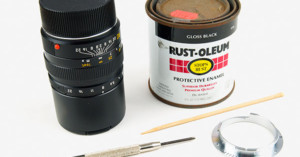
Add a Lens Code to Your Leica Lens with Black and White Paint

Add a Lens Code to Your Leica Lens with Black and White Paint leicaconvert1

Newer Leica lenses have a special lens code on the mount flange of each lens that informs the camera of what’s mounted on it, and allows lens-related EXIF data to be embedded inside photographs. If you have an older Leica lens or a third-party lens on your hands, you might not have this special code, but did you know that you can apply the code manually to a code-less lens using black and white paint?

La Vida Leica! has published a tutorial showing how simple the process is: it only takes around $15 and 15 minutes to do.
Read more…