There are currently 22 “generic” top level domains (e.g. .COM, .NET, .ORG), but that’s about to change. ICANN, the authority behind the Internet’s domain name system, began accepting applications for new gTLDs, meaning we may soon see web addresses that end in things like .PARIS, .FERRARI, and .KIDS. Yesterday was “reveal day” — the day on which the full list of domain proposals and applicants was published. The reveals some pretty interesting clues on some photo-related domains that might soon hit the web. Read more…
Nikon shooters: Nikon Camera Control is a new open source Windows application that lets you remotely control your Nikon DSLR using a PC and a USB cable. Features include tethering, remote control over camera’s basic settings, remote shutter triggering, an intervalometer for time-lapses, and fullscreen review.
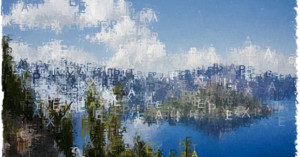
Textify.it is a neat little web and iPhone app that recreates photographs using colored text. Simply drag and drop a photograph from your computer onto the page to get started. The image above is a photograph of Crater Lake that we turned into text using the letters from “PetaPixel”.
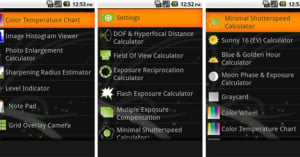
It seems every time we feature a fun or useful phone app, it’s for the iPhone. If you’re an Android user (there’s more and more of you out there), here’s one for you: Photo Tools is a free app that offers a pretty large number of useful photography tools bundled into a single application. In it you’ll find everything from a digital gray card to a sunset/sunrise calculator.
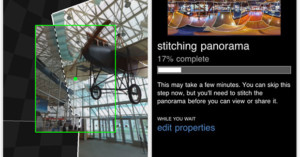
Microsoft’s jaw-dropping Photosynth technology has arrived on the iPhone as an app that allows you to easily create immersive 360-degree panoramas. All you need to do is load up the app and sweep your camera around in every direction, and the app automatically snaps photographs filling in the panoramic image (you can also tap it if it gets sluggish with its snapping). Read more…
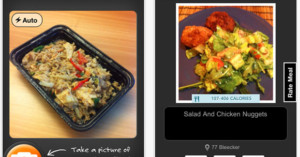
As the world of photography collides with the world of computing in smart phones, we will undoubtedly be seeing many mind-boggling applications (e.g. augmented reality translation) that utilize cell phone cameras in the near future. A new app called Meal Snap fits that description — it’s an app that analyzes photos you take of food, telling you both the ingredients and the number of calories you’ll be consuming. It’s only available for iOS 4+ and costs $3 from the App Store.
We may soon be using software that can easily recreate 3D models of objects and locations using only a series of photographs taken from various perspectives. Researchers in Microsoft’s Interactive Visual Media Group have created an application that does this, generating smooth and seamless 3D views of things using photos taken while walking around the object. In the demo above, we see what the software can do with 40 images shot while walking around a car. It’s pretty amazing.
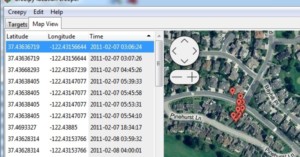
creepy is a desktop application written by Yiannis Kakavas that demonstrates how the geotagging features found in newer cameras and phones can violate your privacy. Simply provide it with a Flickr username and it will map the places and times photos were taken conveniently on a map.
If you don’t want to allow people to track you in this way, you can turn off your geotagging features — which saves power too — or look into “scrubbing” the location data from your photos.
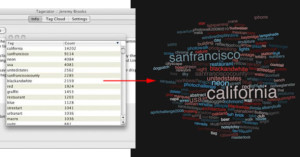
Tag clouds are a neat way of visualizing what content is about, and Tagerator is a simple program that generates them for your Flickr photo tags. Created by Jeremy Brooks (the guy behind SuperSetr), the simple Java app will run on any computer that has Java 1.6 installed. Besides its ability to generate the tag clouds for you, it stores the tag information gleaned from your account to disk, allowing you to use the tag/count information however you’d like.
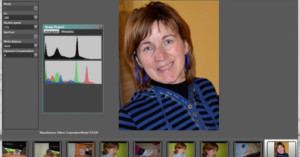
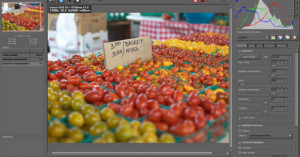
If you use GIMP as a Photoshop alternative, but would like a free program to handle the processing of Raw image files as well, check out RawTherapee. It’s a free raw image processing program that has a polished user interface and a solid list of features. Unless you want to compile the source code yourself, you can download the latest version of the program from this page. It’s available for Linux and Windows, though Mac OSX versions are available too (though they might not be as stable).