Webinpaint is a Poor Man’s Web-Based Content Aware Fill Tool
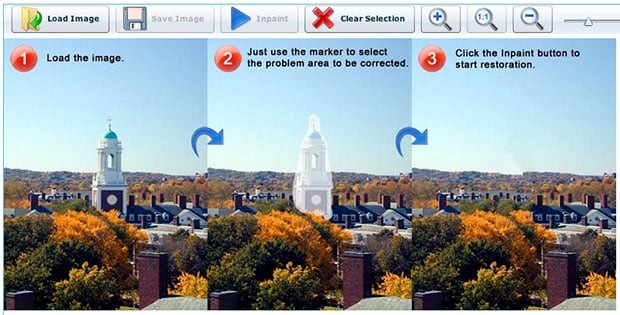
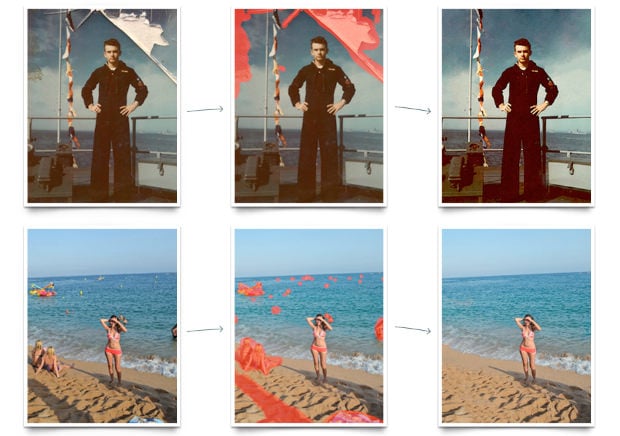
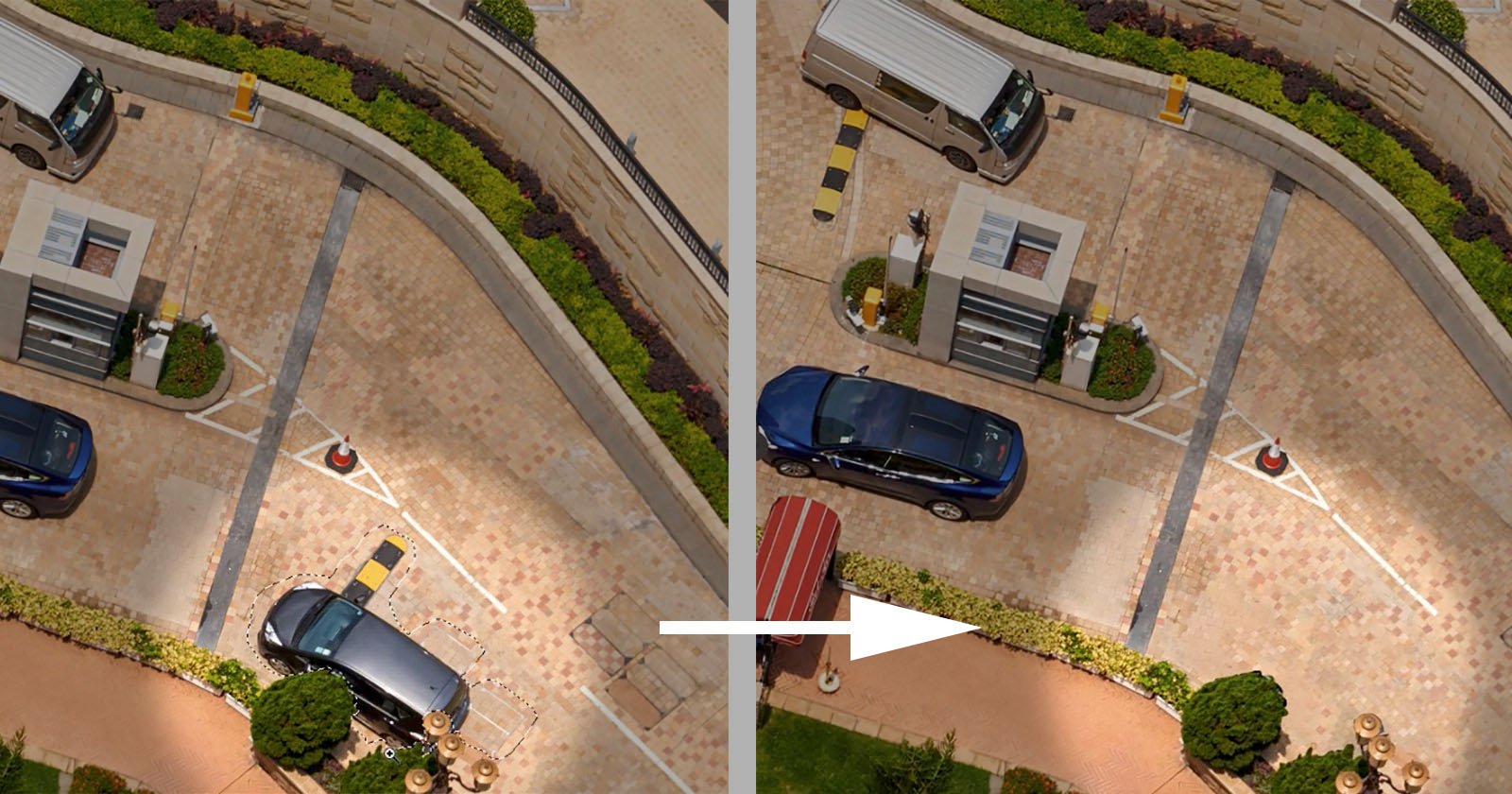
Photoshop CS5’s Content Aware Fill feature was quite a hit when it came out earlier this year, but what about free alternatives? Webinpaint is a web-based photo app that aims to do just that. You simply open up an image, paint over the area you’d like removed, and click the “Inpaint” button for the app to do its removal magic.
From tests I’ve done with the app, it’s pretty clear it doesn’t come close to the power of Content Aware Fill. However, for simple photographs without much texture or clutter, the app actually works quite well.

Opening up the photo in the app, I quickly painted over the dragonfly and pressed the button.
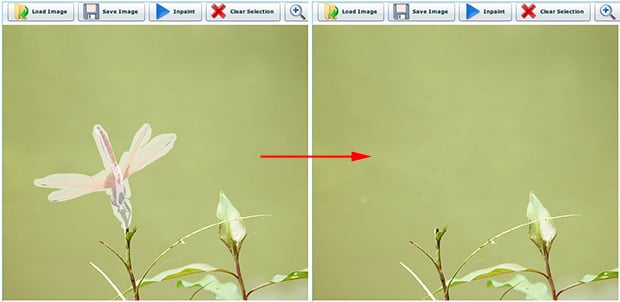
The resulting image is actually quite good, with the dragonfly’s absence somewhat undetectable:

Other slightly more complicated “Inpaints” didn’t go nearly as well. Here’s one I did with some LEGO figures:
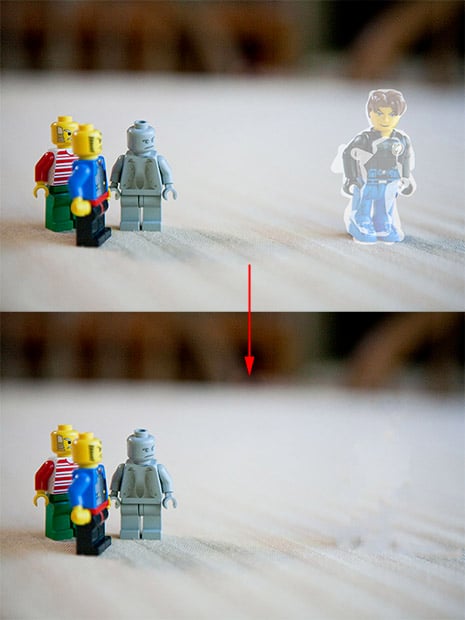
Notice how the fact that the removed figure is on an uneven background causes the removal to suddenly be Reuters-caliber.
Here’s another fail example where I tried to remove some random objects from a carpet:
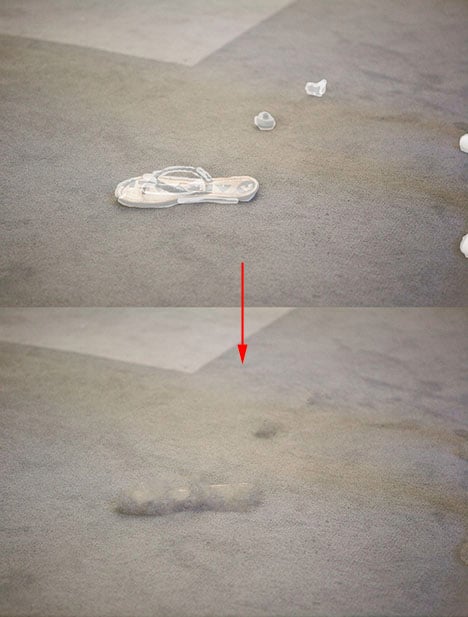
The carpet ends up looking like someone spilled Rogaine on it.
If you need a quick and free way to remove simple objects from simple backgrounds, or simply want to play with something similar to Content Aware Fill without shelling out hundreds of your hard earned bucks, play around with Webinpaint. Just know that results may vary.
Update: The app wasn’t working for me properly in Chrome. The “Load Image” function wouldn’t work. When using Firefox, I wasn’t able to see my brush marks until I switched to a different window and then switched back (strange, I know).
Update 2: Playing around with it some more, I found that it helps to be liberal in how you paint over the objects to be removed:
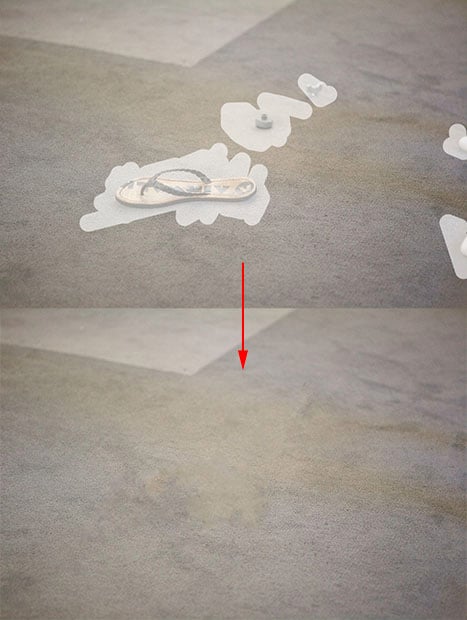
Makes sense.